Balloon HQ.com Home Coming events for balloon artists
Search BHQ
 
Basic Resources
Guide to Balloons
and Ballooning
Balloon Photos
Event Coverage
Find A Balloon Pro!
 
BHQ News
Monthly Columns
Upcoming Events
Classified Ads
Industry Highlights
 
E-mail Lists
Join discussions
Entertainer Forum
Decorator Forum
E-mail List FAQ
 
Official Stuff
Member Services
Copyright Info
BHQ History
Contact Us
 

Miscellaneous Ramblings

by the BHQ editors

Photos and more!

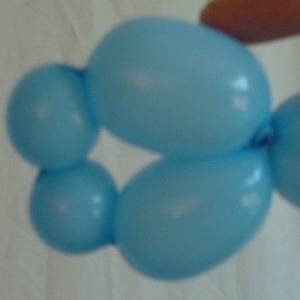
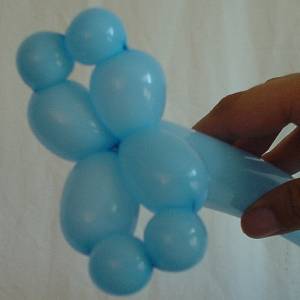
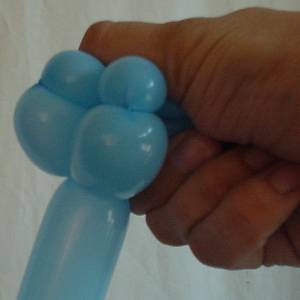
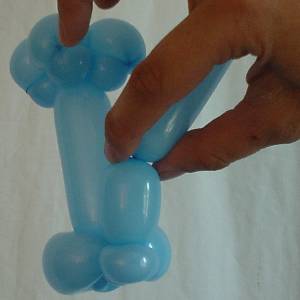
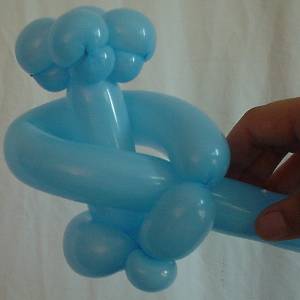
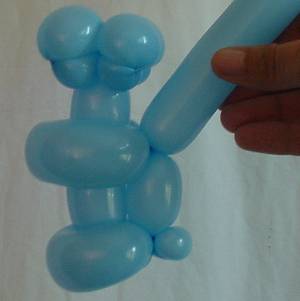
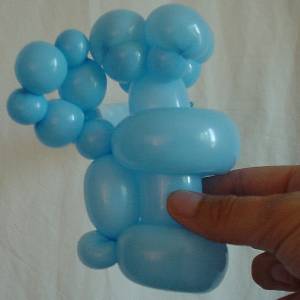
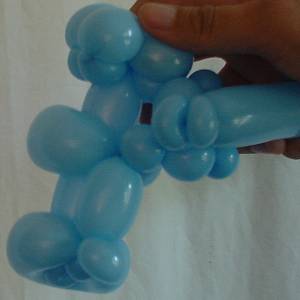
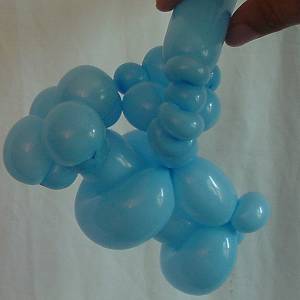
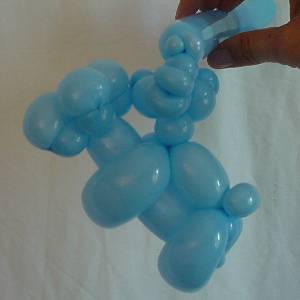
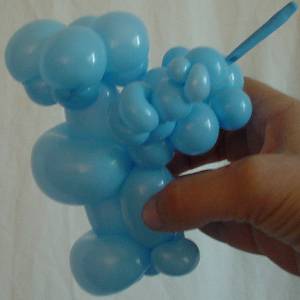
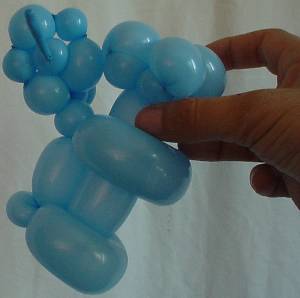
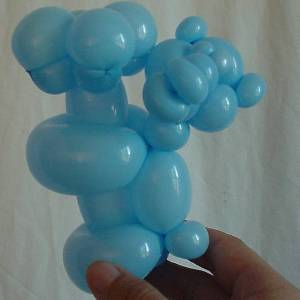
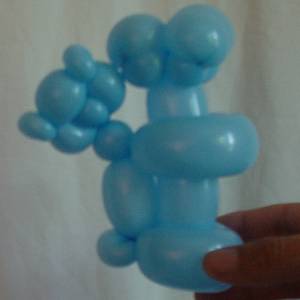
This 3D photo can be found in the new BHQ photo collection along with many others from assorted people in the BHQ community. Now you can add your own. (Only standard 2D images can currently be uploaded through the current interface. The 3D stuff was added for fun to see if there's interest in taking it farther.)

The big news this month is that photos of cool balloon art are now easier to share than ever. In the past, if you wanted to answer a question on BHQ with a photo or show off some project you were really proud of, you had to email your photos to us and then wait until we had a chance to get them online. Now, Balloon HQ members don't have to jump through hoops to get things online. You can upload pictures directly through your web browser. You don't need any skills other than the ability to press a mouse button.

Check out the interactive photo pages to see what's been placed online so far. Note that not everything in the BHQ photo collection has been added to the interactive database yet. It will all get there eventually, but we need time to fully integrate the old with the new. This shouldn't be a real problem since we expect everyone to have so much fun playing and adding new photos that the database should grow quickly even while we work in the background adding the old stuff.

Among the things that you'll find in the new photo area is the ability to add comments and questions to photos. If you're a BHQ member you can click the "add your own comments" link on any photo page to share your thoughts and suggestions with the world. The person that submitted the photo will be immediately notified of your comment and anyone visting the web page will be able to see the discussion that follows. This is different from the Balloon HQ email lists in some very important ways. The first is that photos can't be submitted to the lists. Using the photo pages on the web, discussions can revolve around particular photos. And you can respond to someone else's comments by adding your own photos to the collection. When viewing a photo, you'll see another link to "upload a related photo". This means you can see someone else's balloon arch and upload your own version of the same arch. These photos will now be linked in the database so others can see how different people have addressed particular issues.

If that doesn't seem like enough to interest you, perhaps the fact that the photos in this collection are now completely searchable will get your attention. Looking for sculptures of animals using round balloons, or a non-round sculpture for Valentine's Day? Just enter your search criteria on the page and see what turns up.

Putting your portfolio online

Whether you have your own web site or you haven't gotten around to building one yet, creating an online portfolio can be extremely beneficial. Tied in with the new photo database is a way to access your own personal portfolio. If you're a BHQ member, you'll be able to send a link for your personalized portfolio to your clients. Every photo you upload to the new photo database will automatically be added to your BalloonHQ.com portfolio. You don't need to know anything about creating web pages. In fact, if you're a full member of BalloonHQ.com, you already have a portfolio just waiting for pictures to be added. Since this is provided as a service to paid members, we've made sure the portfolio pages are ad-free. Your clients won't see anything you don't want them to see.

Take a look at an example portfolio for one of the BHQ administrators to get an idea of what yours will look like. If you're a member you can look up your own portfolio or create one using the following steps:

If you are looking for a portfolio:

In order to view a portfolio, you need to specify a URL or Location in your web browser of the form:

http://www.balloonhq.com/portfolio/index.php?portid=nnn

In the above URL, nnn refers to a BalloonHQ.com member's unique ID number. For example, entering

http://www.balloonhq.com/portfolio/index.php?portid=742
will bring you to the portfolio of one of the BalloonHQ administrators.

You can find any member's ID number by finding them in the BalloonHQ.com artist directory. Any listing belonging to a full member will list their unique ID number. (When you submit a photo, you will also receive email telling you how to reach your own portfolio.)

Creating your own portfolio:

Anyone can create a BalloonHQ.com portfolio without knowing anything about web site creation. If you're able to read this page, you're able to get things set up. In fact, if you're a paid member of BHQ, you already have a portfolio. It may not have any pictures in it yet, but that's easy enough to fix.

Just follow these steps:

  1. If you aren't already, become a full BalloonHQ.com member. For $25/year, you get many more services than just the portfolio pages.
  2. Find your unique member ID number by visiting the BalloonHQ.com artist directory as described above.
  3. Upload as many pictures as you like through a simple point and click web interface. Any time you add new photos, they are automatically available on your portfolio page. There's never anything extra you have to do.

This month's columns | Past columns